> For the complete documentation index, see [llms.txt](https://docs.goaffpro.com/llms.txt). Markdown versions of documentation pages are available by appending `.md` to page URLs; this page is available as [Markdown](https://docs.goaffpro.com/affiliate-commissions/set-collection-commission-for-affiliates.md).
# Set Collection Commission for Affiliates
**GoAffPro** provides you with the option to set commission rates for collections or categories of products.
> The collection commission option lets you set different commission rates for collections in your store. For example, You can set different commission rates for the new arrival collection, products on sale, seasonal collections, etc.
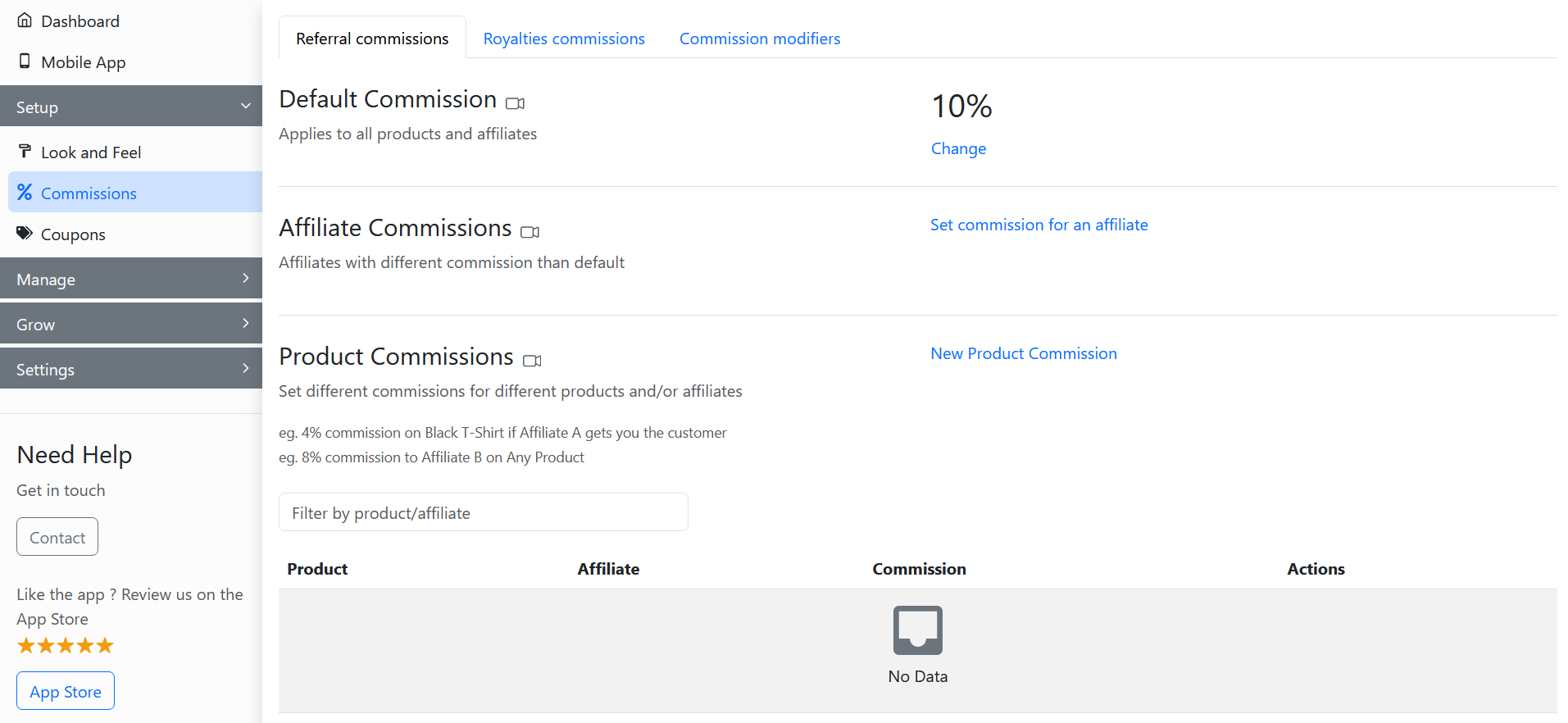
To set collection commissions for affiliates, go to the **Referral commissions** section in the **Commissions** tab of the GoAffPro admin panel.
Commissions > Referral commissions
Here, go to the **Collection Commissions** option.

Now, click on **New Collection Commission**.

Next, select the collection or category and set the commission rate. After this, click on **Save**.

{% hint style="info" %}
You also have the option to **select an affiliate** to whom you can assign the collection commission. For any sale of the product that is in the collection, the referral commission will go to the affiliate assigned to the collection.
{% endhint %}
{% embed url="" %}
Set Collection Commission for Affiliates
{% endembed %}