> For the complete documentation index, see [llms.txt](https://docs.goaffpro.com/llms.txt). Markdown versions of documentation pages are available by appending `.md` to page URLs; this page is available as [Markdown](https://docs.goaffpro.com/affiliate-portal-customization/advanced-customization/enable-mirapage-for-affiliates.md).
# Enable Mirapage for Affiliates
**GoAffPro** provides you with the option to enable Mirapage for affiliates.
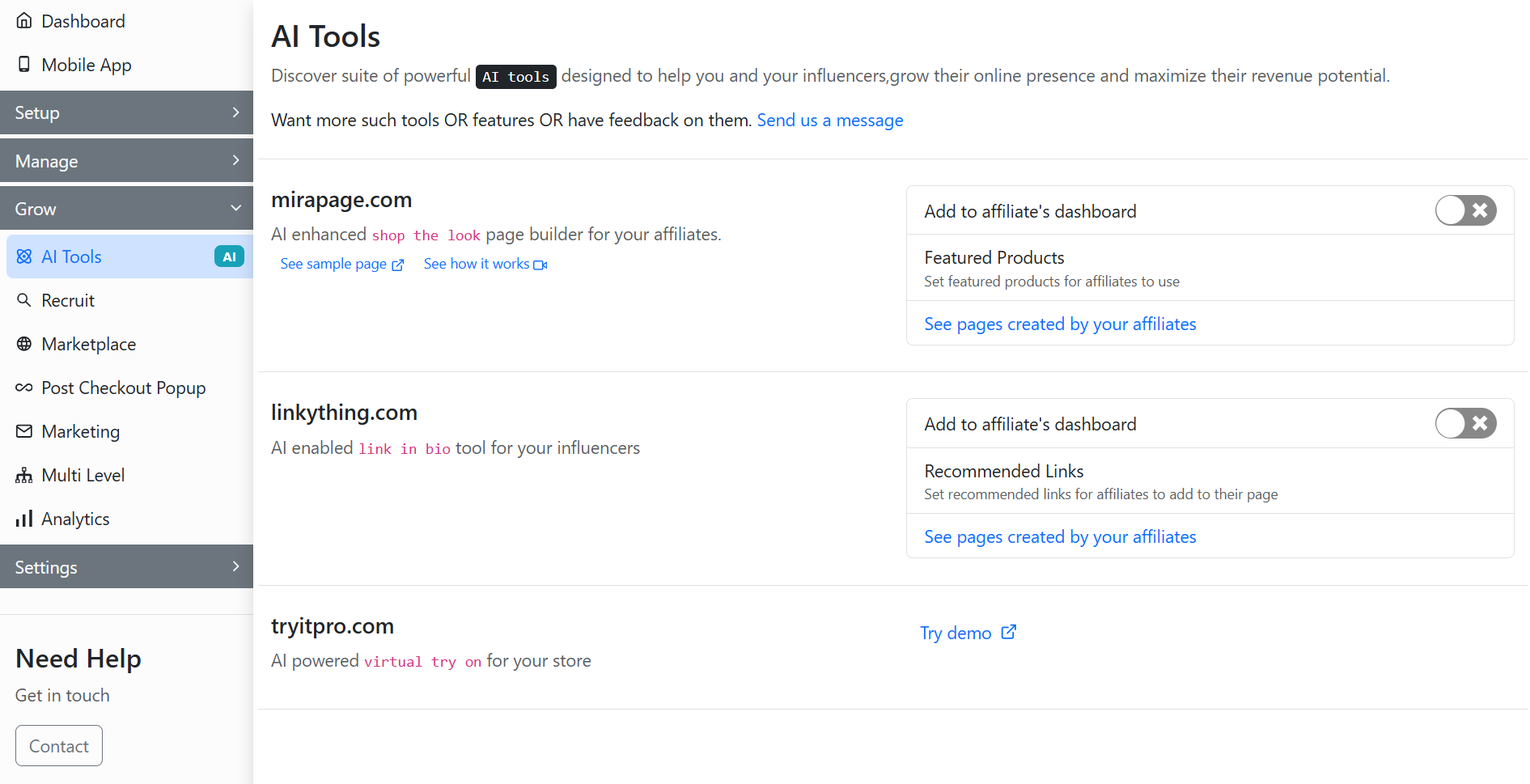
To enable Mirapage for affiliates, go to the **AI Tools** tab of the GoAffPro admin panel.
AI Tools
Here, go to the mirapage.com section.
mirapage.com
Now, enable the toggle.
Enable the toggle
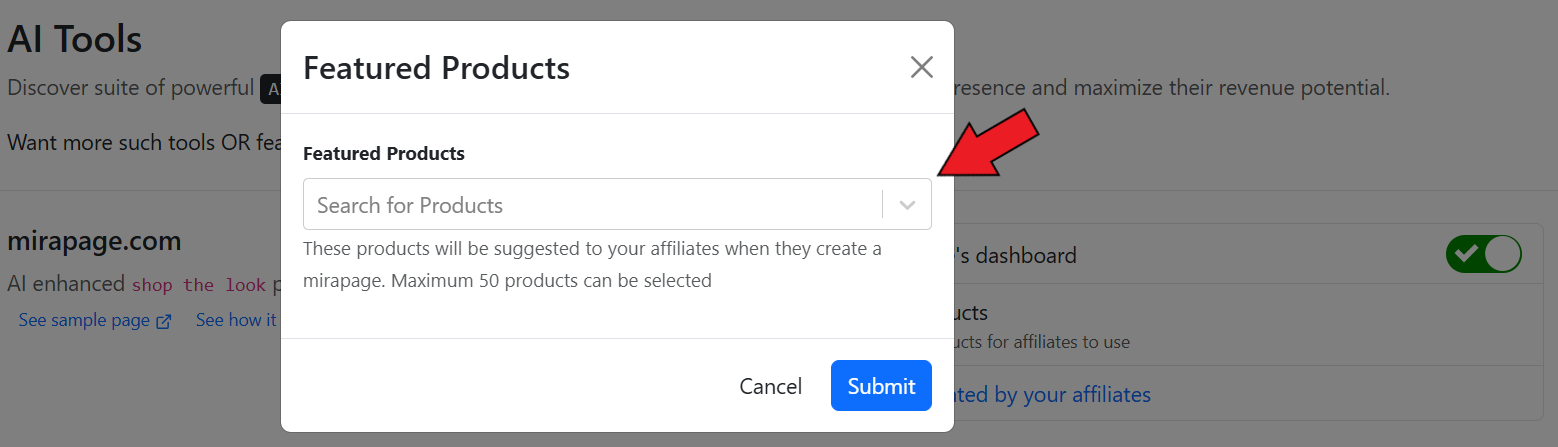
Next, click on **Featured Products**.
Click on Featured Products
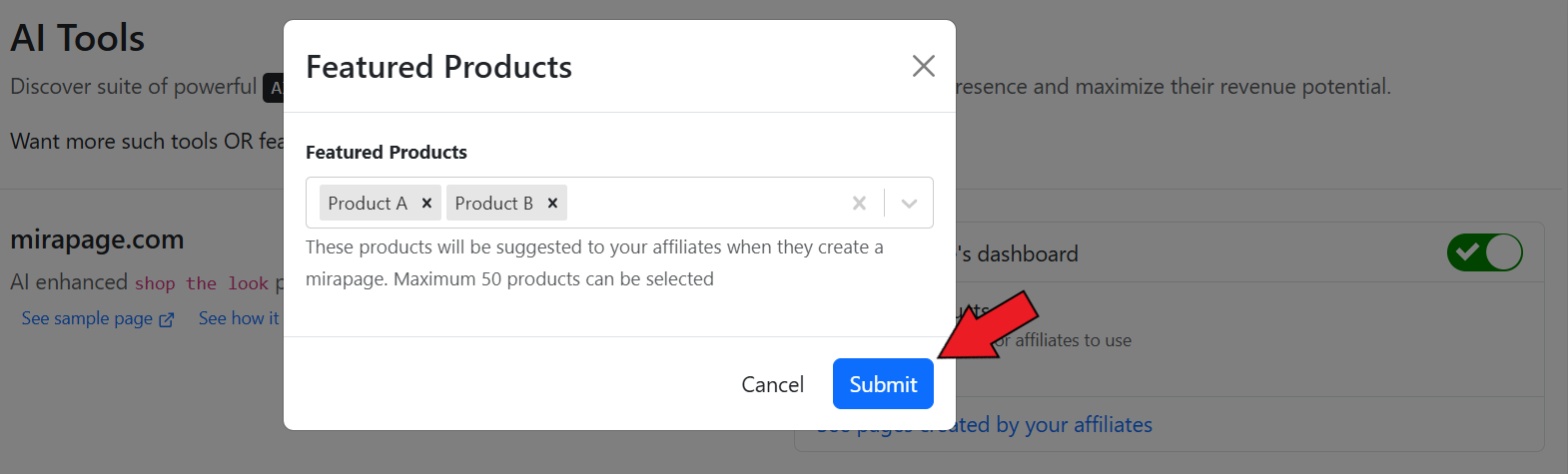
After this, select the products. These products will be suggested to affiliates when they create their mirapage.
Select the products
Finally, click on **Submit**.
Click on Submit
#### View Affiliate Mirapages
To view the mirapages created by your affiliates, click on **See pages created by your affiliates**.
Click on See pages created by your affiliates.
Here, you can view the mirapages created by your affiliates.
{% embed url="" %}
Enable Mirapage for Affiliates
{% endembed %}