> For the complete documentation index, see [llms.txt](https://docs.goaffpro.com/llms.txt). Markdown versions of documentation pages are available by appending `.md` to page URLs; this page is available as [Markdown](https://docs.goaffpro.com/affiliate-portal-customization/affiliate-dashboard/set-dashboard-navigation-style.md).
# Set Dashboard Navigation Style
**GoAffPro** provides you with the option to set the affiliate dashboard navigation style.
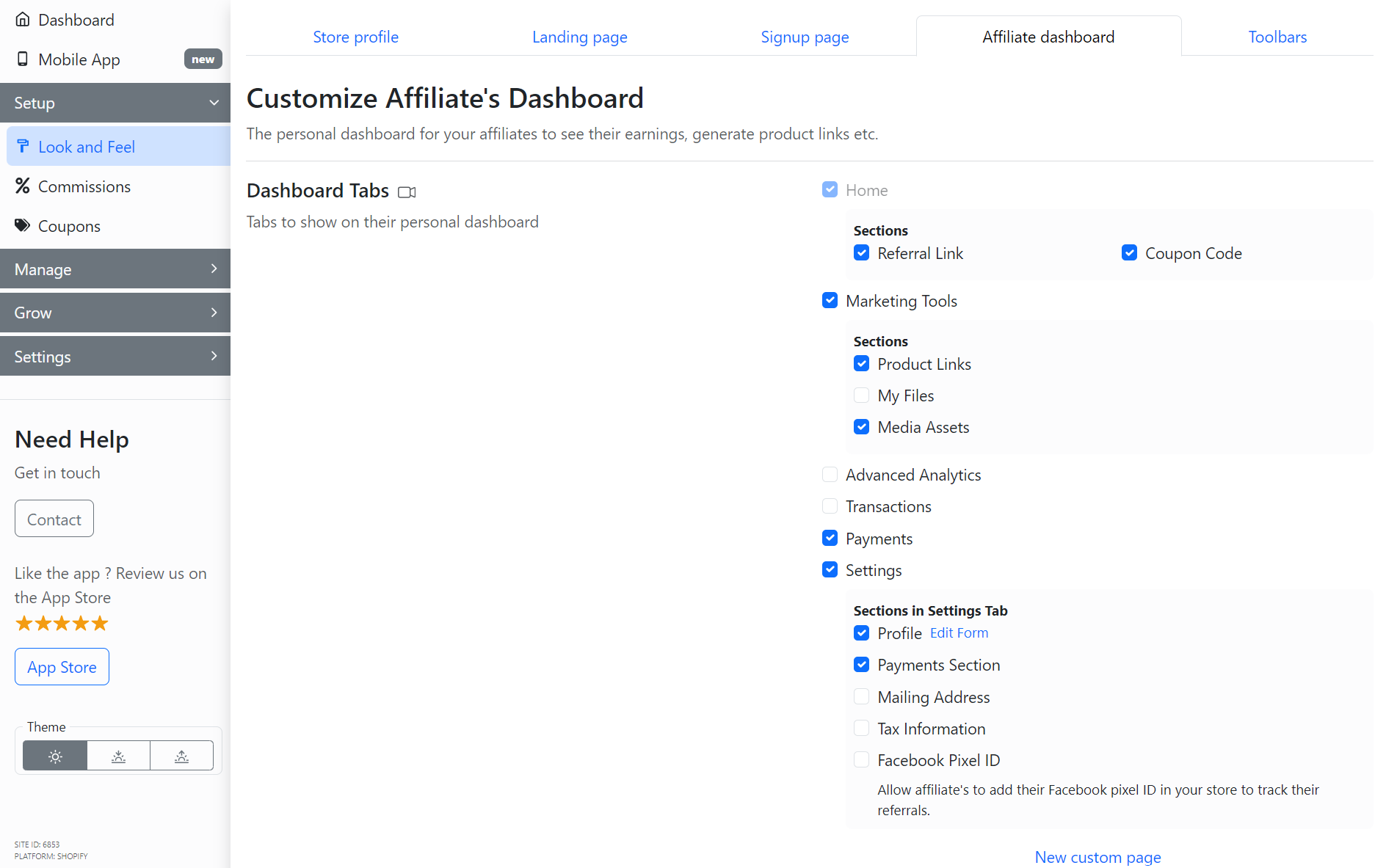
To set the affiliate dashboard navigation style, go to the **Affiliate Dashboard** section in the **Look and Feel** tab of the GoAffPro admin panel.
Look and Feel > Affiliate Dashboard
Here, go to the Dashboard Navigation Style section.
Dashboard Navigation Style
Now, select the "**Show as sidebar**" option.
Select the "Show as sidebar" option
After this, the new dashboard navigation style will get.
Dashboard navigation style will get set
The sidebar navigation style will appear in the affiliate dashboard.
{% embed url="" %}
Set Dashboard Navigation Style
{% endembed %}