> For the complete documentation index, see [llms.txt](https://docs.goaffpro.com/llms.txt). Markdown versions of documentation pages are available by appending `.md` to page URLs; this page is available as [Markdown](https://docs.goaffpro.com/affiliate-portal-customization/affiliate-portal-profile/affiliate-portal-language.md).
# Setup Affiliate Portal Language
**GoAffPro** provides you with the option to set the language for your affiliate portal.
> Offering the affiliate portal in multiple languages will allow you to reach a wider audience and attract a more diverse group of affiliates.
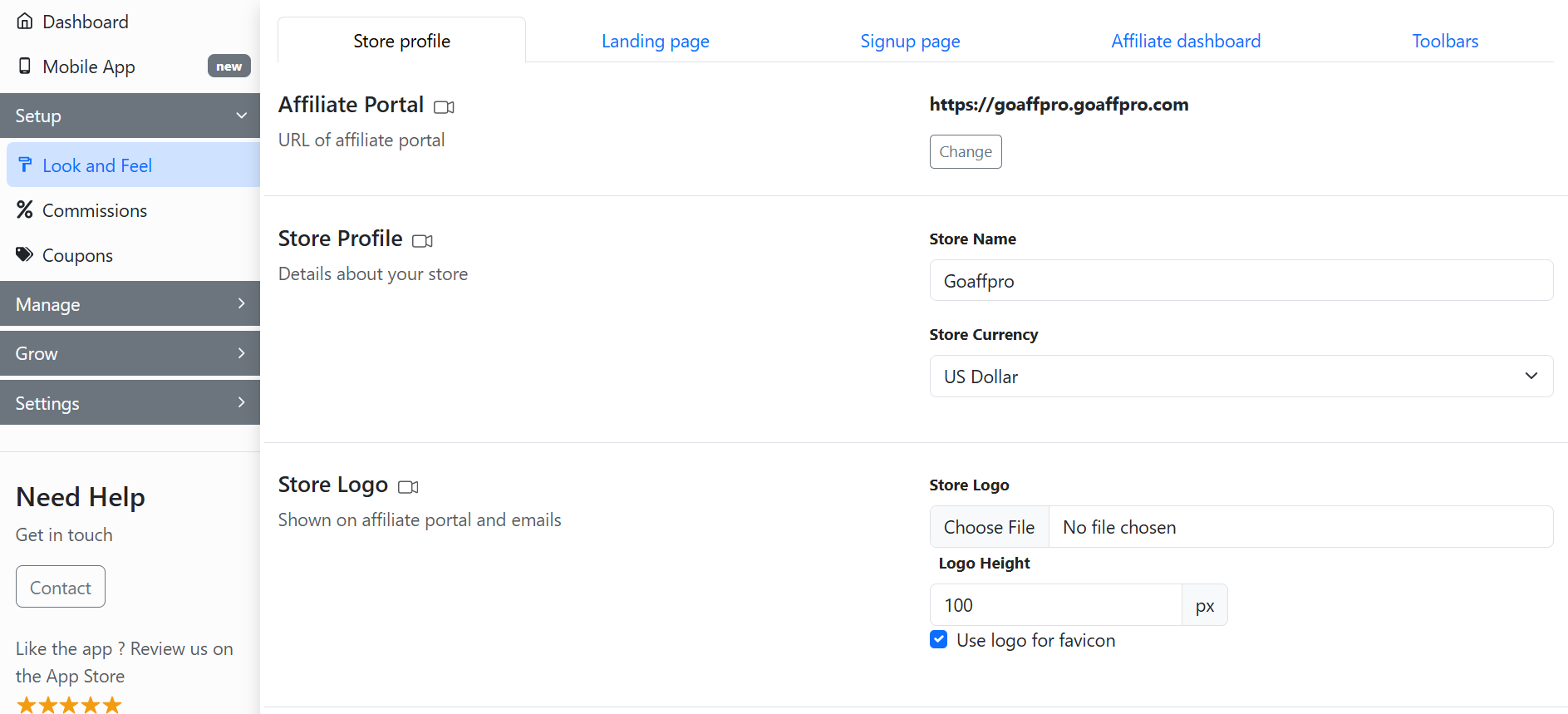
To set the language for your affiliate portal, go to the **Store Profile** section in the **Look and Feel** tab of the GoAffPro admin panel.
Look and Feel > Store Profile
Here, go to the Affiliate Portal Language section.
Affiliate Portal Language
Here, set the default language of the affiliate portal.
Select the default language
You also have an option to automatically set the affiliate portal language based on the affiliate's location by enabling the "Automatically set language based on affiliate's language" option.
Enable the "Automatically set language based on affiliate's language" option
Additionally, you can select the languages that you want to make available to your affiliates.
Select the available languages
There is also an option to edit the translation of texts by clicking on **Edit Translations**.
Click on Edit Translations.
The currently supported languages are:
* English
* French
* German
* Greek
* Hebrew
* Hungarian
* Italian
* Turkish
* Norwegian
* Portuguese
* Polish
* Russian
* Spanish
* Swedish
* Vietnamese
* Arabic
* Dutch
* Japanese
* Chinese (Simplified)
* Chinese (Traditional)
* Korean
* Finnish
* Czech
* Danish
* Romanian
* Thai
* Lithuanian
* Malay
{% hint style="info" %}
If your preferred language is not listed, you can contact us at ****
{% endhint %}
{% embed url="" %}
Set the Affiliate Portal Language
{% endembed %}