> For the complete documentation index, see [llms.txt](https://docs.goaffpro.com/llms.txt). Markdown versions of documentation pages are available by appending `.md` to page URLs; this page is available as [Markdown](https://docs.goaffpro.com/email-marketing.md).
# Email Marketing
Send emails to your affiliates
In affiliate marketing, communication plays a vital role in building strong relationships with your affiliates. By keeping in constant communication with your affiliates, you can ensure that they stay engaged and motivated to promote your products or services.
Having open lines of communication with your affiliates can help you identify their needs, understand their concerns, and provide them with timely support and guidance. It can also help you keep them updated on the latest promotions, offers, and product information.
### How does GoAffPro help you in communicating with your affiliates?
The **Email Marketing** feature can help you achieve that easily. You can create email campaigns for your affiliates using this feature and send them bulk or drip emails. It makes it easy to create and customize email templates, select the affiliates you want to send emails to, and schedule your email campaigns.
> By using this feature, you can improve the loyalty and performance of your affiliates and build stronger relationships with them.
### How to use the Email Marketing feature?
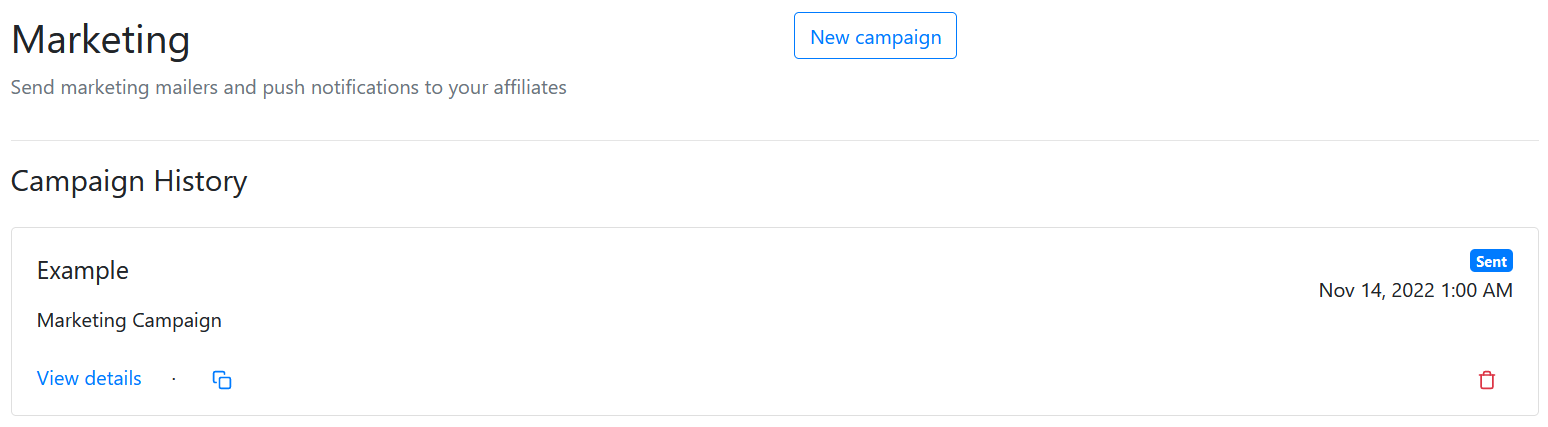
Open the **Marketing** tab in the GoAffPro admin panel.
Marketing
Here, click on **New Campaign.**
Now, set the campaign name and details. After that, select the campaign type, you can select between bulk email campaign or drip email campaign.
Set campaign details
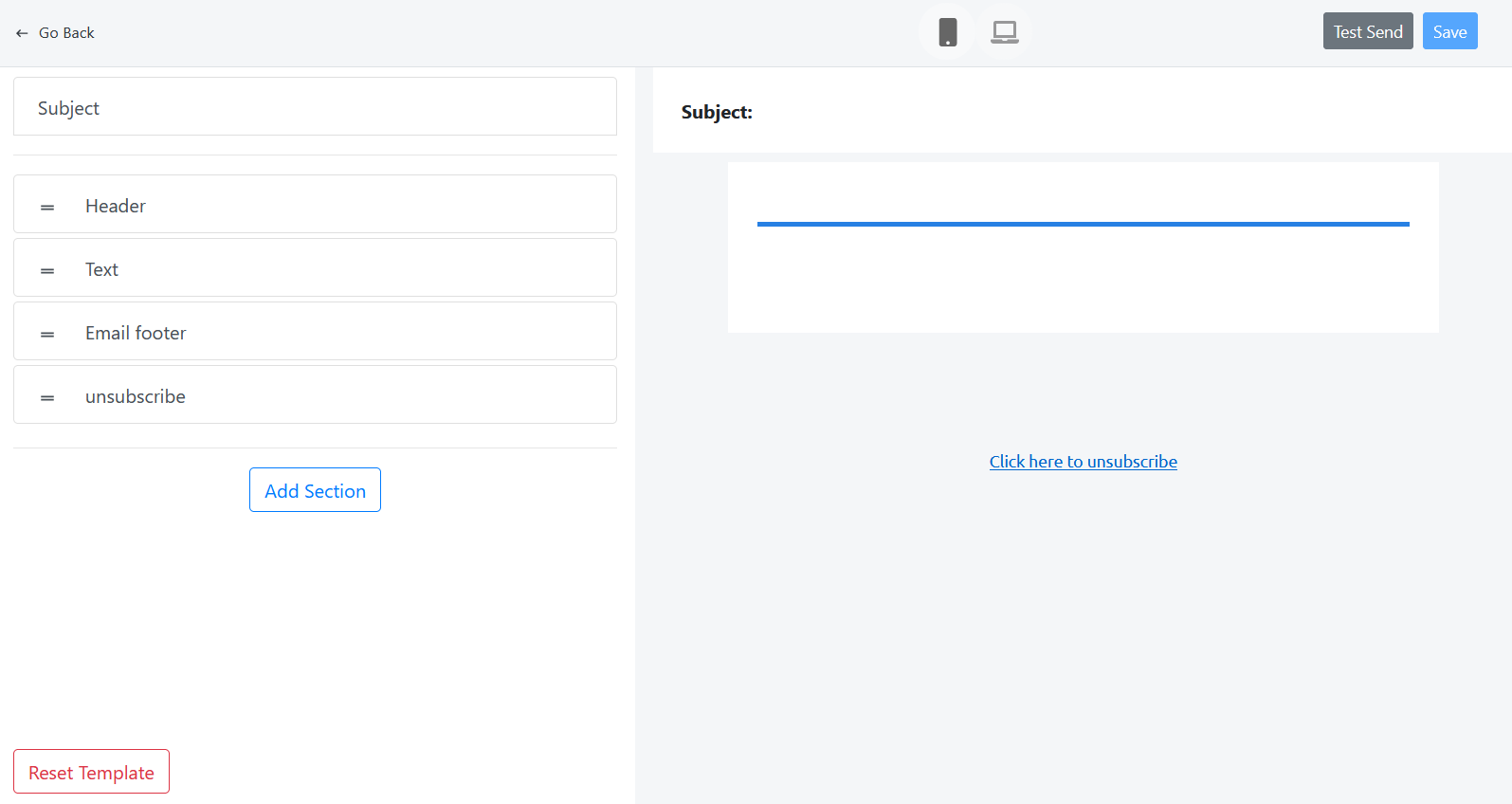
Next, customize the email template, select the affiliates (to whom you want to send the emails), and schedule the email.
Setup campaign
You can use the template editor to customize the email as per your requirements.