> For the complete documentation index, see [llms.txt](https://docs.goaffpro.com/llms.txt). Markdown versions of documentation pages are available by appending `.md` to page URLs; this page is available as [Markdown](https://docs.goaffpro.com/goaffpro/admin-panel/settings/developer.md).
# Developer
GoAffPro Admin Panel > Settings > Developer
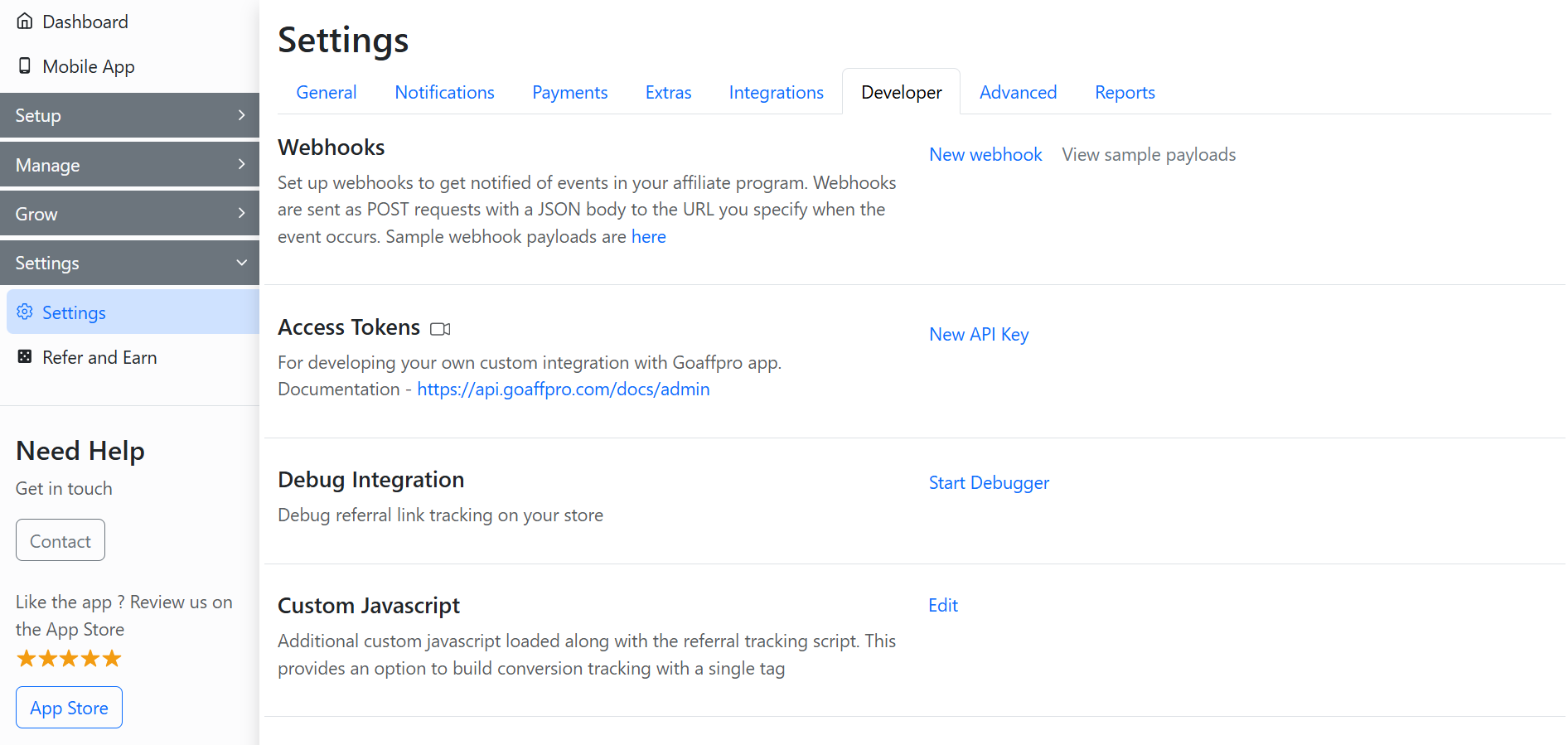
The **Developer** section can be used to set up development features, such as webhooks, generating access tokens for custom integrations, debugging referral link tracking, custom JavaScript, and more.
Settings > Developer
### Webhooks
**Webhooks** allow you to set up and develop custom programming with the GoAffPro app.
Webhooks
{% content-ref url="/pages/AwHWIaJ1w1BVsifWe3eW" %}
[Add Webhooks](/program-settings/developer-settings/add-webhooks.md)
{% endcontent-ref %}
### Access Tokens
The **Access Tokens** section can be used to generate a new API key for developing custom integration with the GoAffPro app.
Access Tokens
{% hint style="info" %}
The API Documentation:
{% endhint %}
{% content-ref url="/pages/-MCAjKDKVH1P5caOzFps" %}
[Generate API Keys for Custom Integration](/program-settings/developer-settings/generate-api-keys-custom-integration-with-goaffpro-app.md)
{% endcontent-ref %}
### Debug Integration
The **Debug Integration** feature can be used to troubleshoot and verify the referral link tracking on your store.
Debug Integration
{% content-ref url="/pages/0N6lqlxitfs1KPwRkFWD" %}
[Debug Integration](/program-settings/developer-settings/debug-integration.md)
{% endcontent-ref %}
### Custom Javascript
The **Custom JavaScript** option enables you to load custom JavaScript alongside the referral tracking script.
Custom Javascript
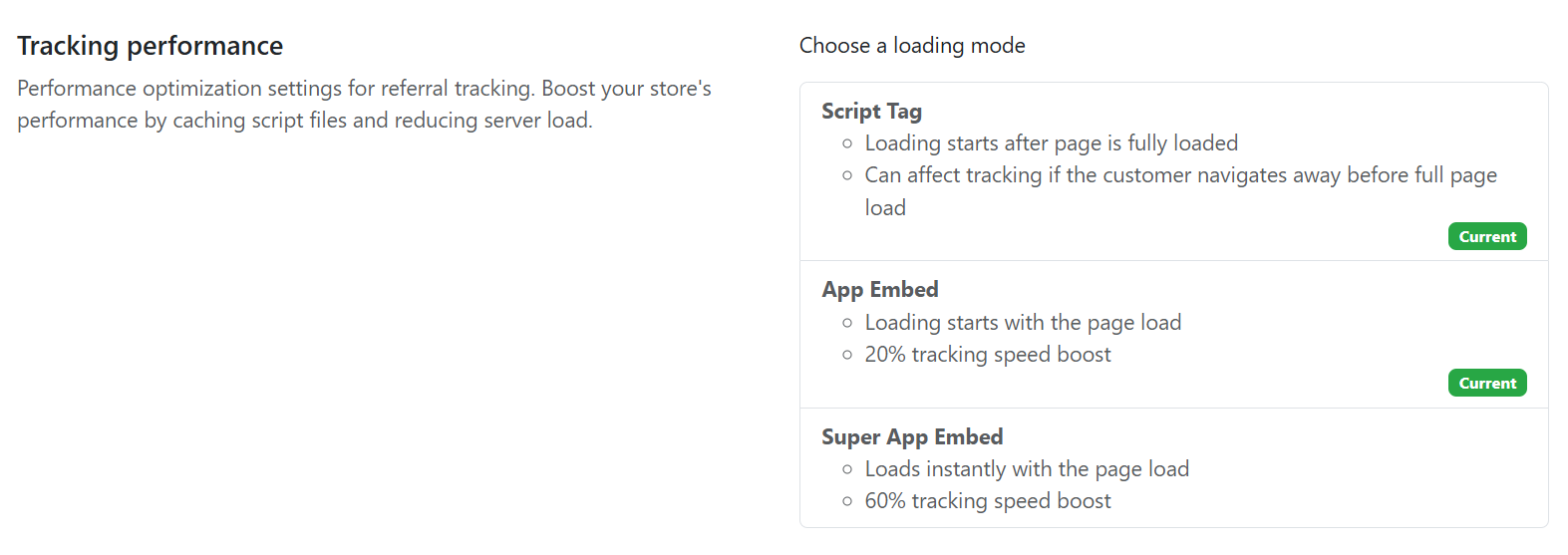
### Tracking performance
The **Tracking performance** section allows you to optimize the settings for referral tracking in your store.