> For the complete documentation index, see [llms.txt](https://docs.goaffpro.com/llms.txt). Markdown versions of documentation pages are available by appending `.md` to page URLs; this page is available as [Markdown](https://docs.goaffpro.com/multi-level-affiliate-network/enable-multi-level-marketing/notification-for-affiliate-signup.md).
# Notification for Affiliate Signup
**GoAffPro** provides you with the option to enable the affiliate notification for when a new affiliate signs up under them.
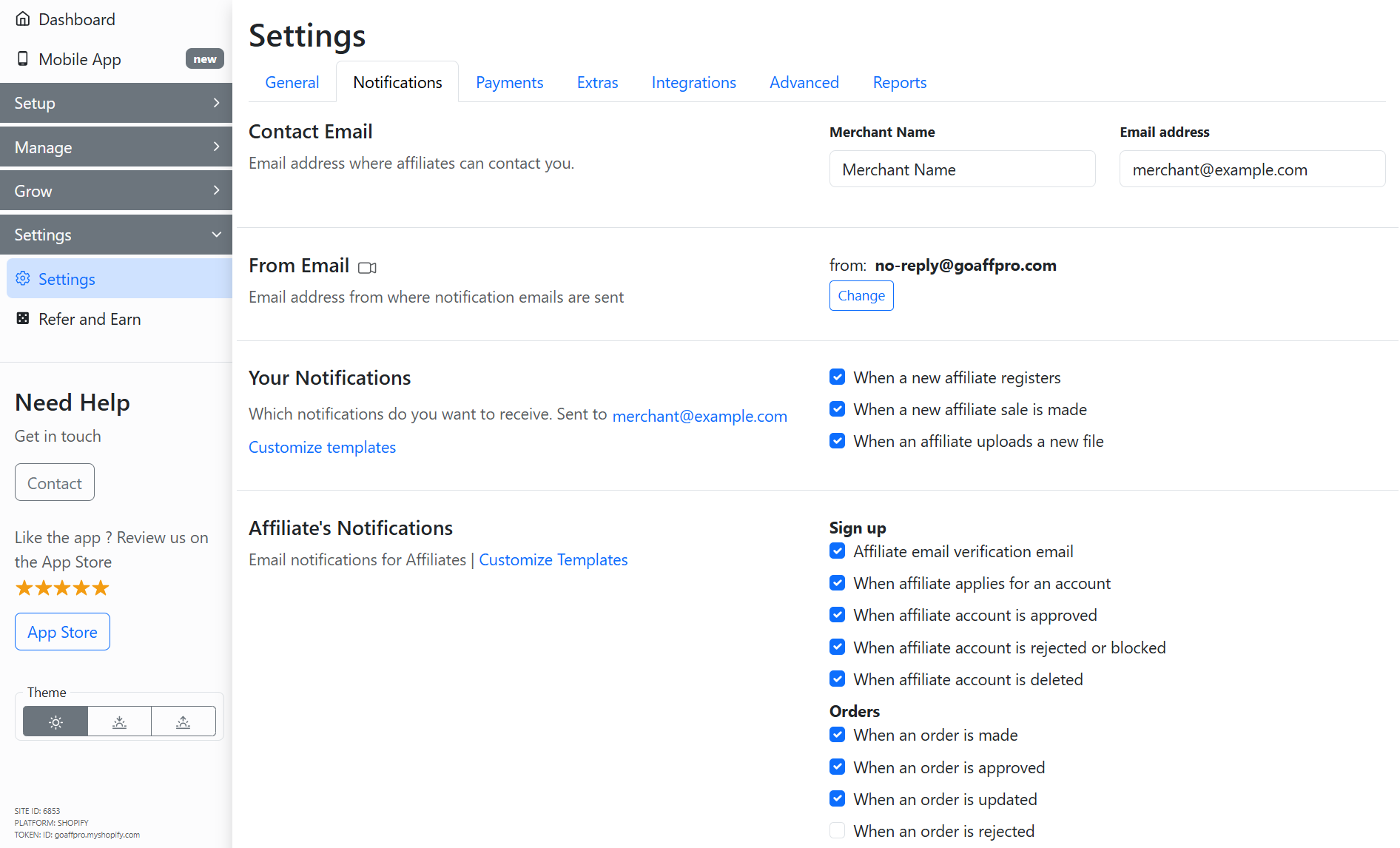
To enable the affiliate notification for when a new affiliate signs up under them, go to the **Notification** section in the **Settings** tab of the GoAffPro admin panel.
Settings > Notification
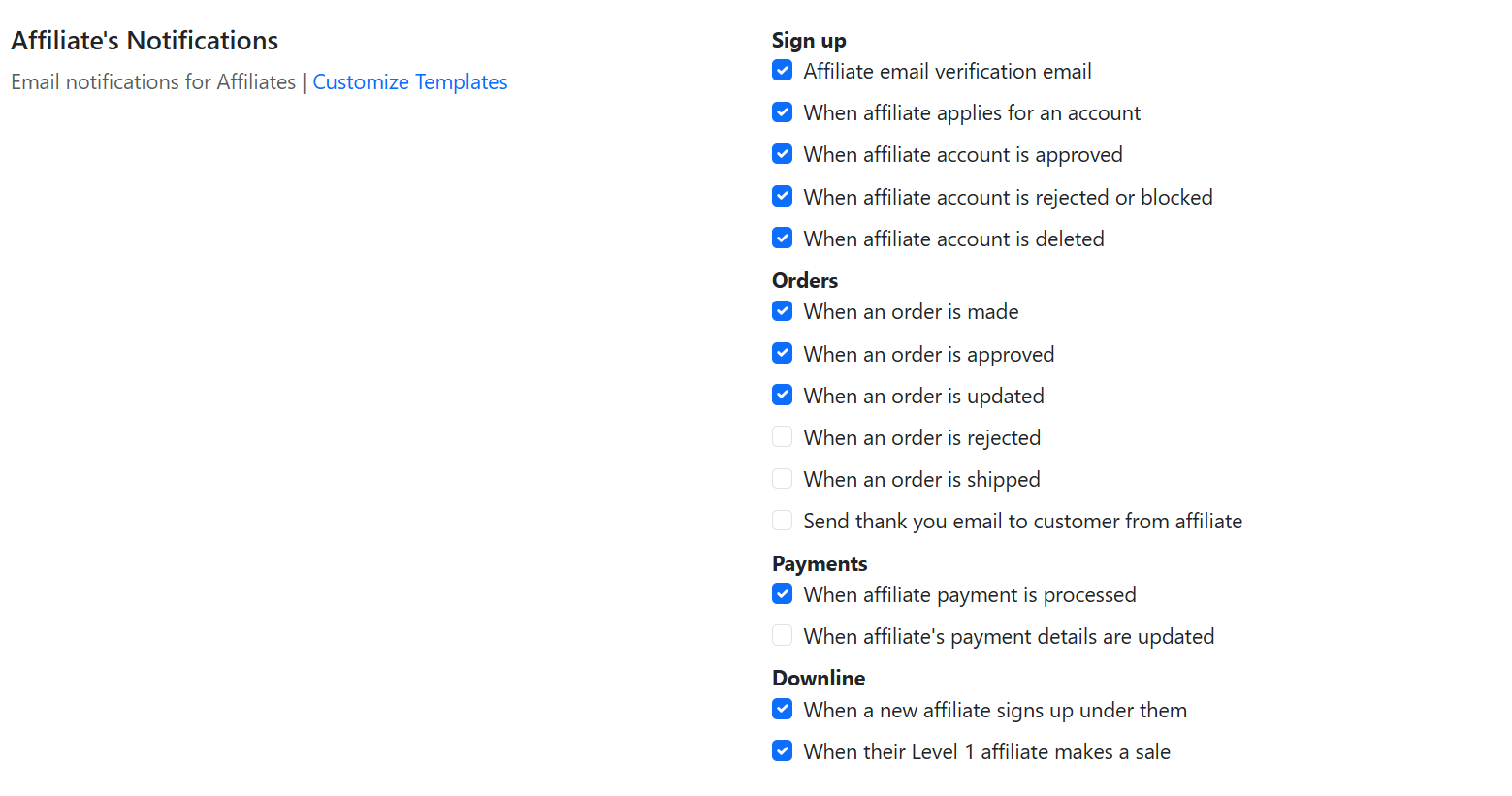
Here, go to the Affiliate's Notifications.
Affiliate's Notifications
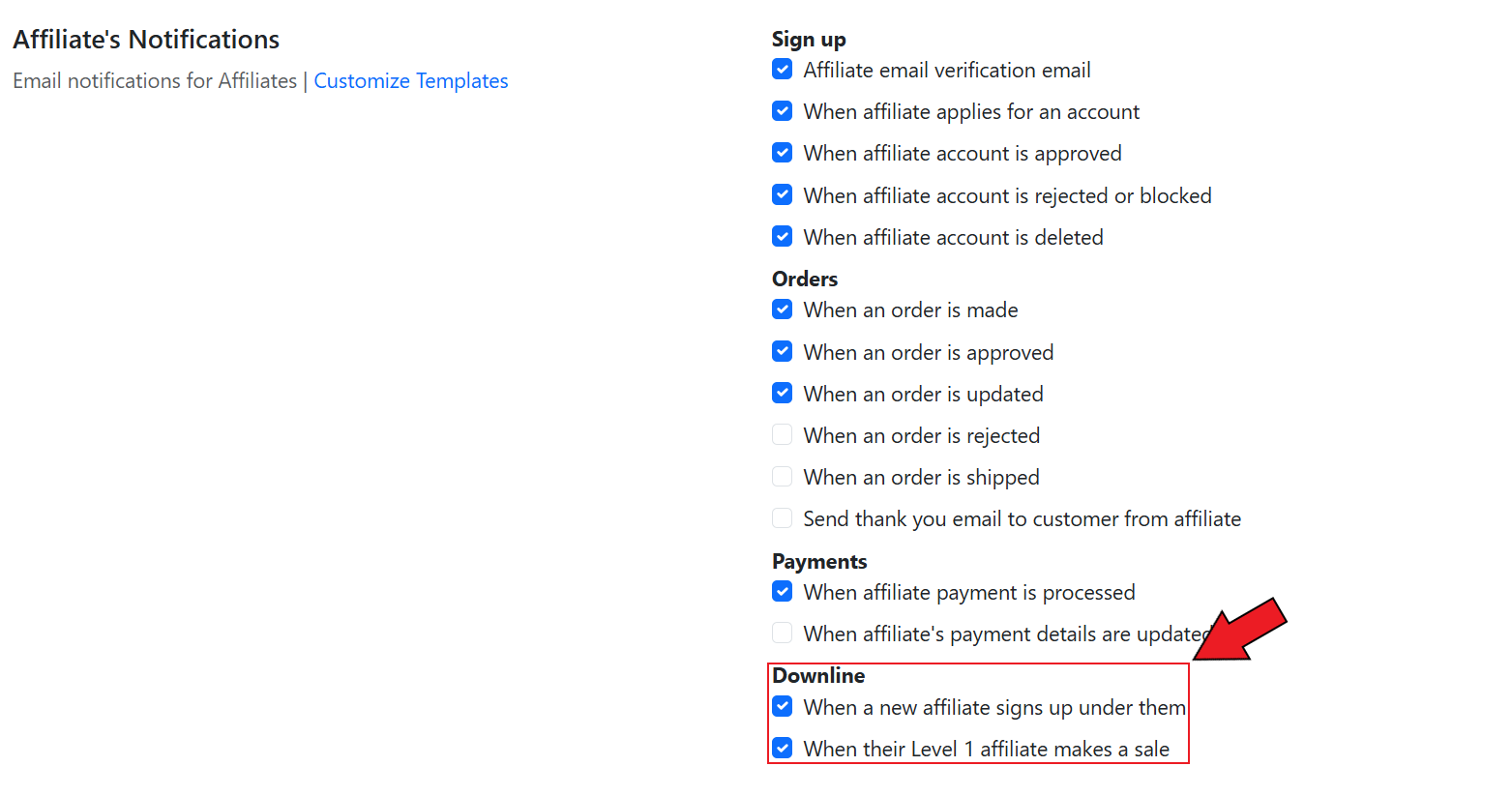
Now, enable the "**When a new affiliate signs up under them**" option.
{% hint style="info" %}
You can also notify the parent affiliate when their Level 1 affiliate makes a sale by enabling the "When their Level 1 affiliate makes a sale" option.
{% endhint %}
{% embed url="" %}
Notification for Affiliate Signup
{% endembed %}