> For the complete documentation index, see [llms.txt](https://docs.goaffpro.com/llms.txt). Markdown versions of documentation pages are available by appending `.md` to page URLs; this page is available as [Markdown](https://docs.goaffpro.com/multi-level-affiliate-network/enable-multi-level-marketing/recruitment-bonus-for-affiliates.md).
# Recruitment Bonus for Affiliates
**GoAffPro** provides you with the option to give a recruitment bonus to affiliates when they recruit an affiliate under them.
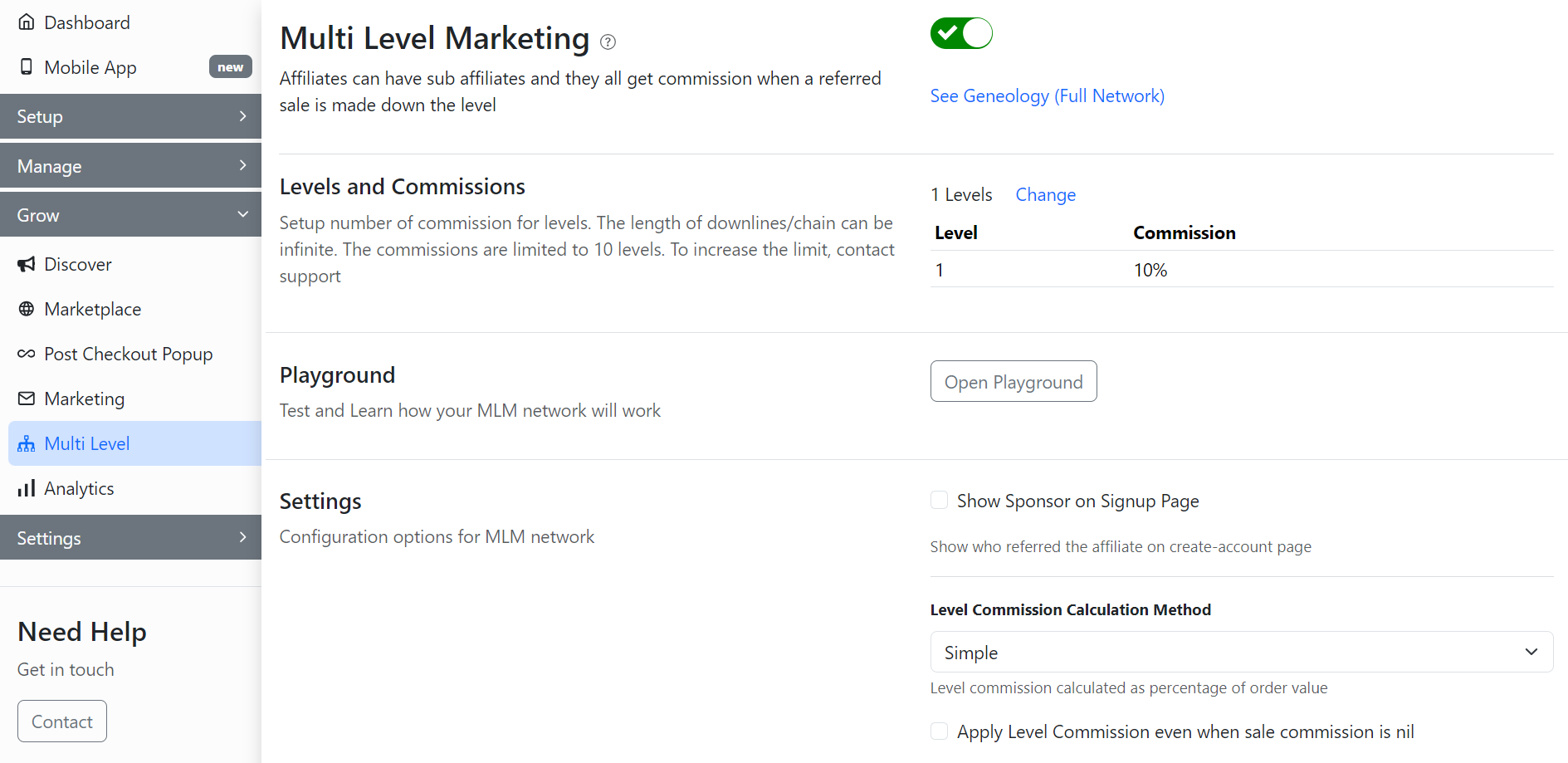
To give a recruitment bonus to affiliates when they recruit an affiliate under them, go to the **Multi Level** tab in the GoAffPro admin panel.
Multi Level
Here, go to the Settings section.

Now, enter the bonus amount in the Recruitment bonus field.

After this, click on **Submit**.

Finally, the parent affiliates will be given the recruitment bonus when downline affiliates register under them.

{% embed url="" %}
Recruitment Bonus for Affiliates
{% endembed %}