> For the complete documentation index, see [llms.txt](https://docs.goaffpro.com/llms.txt). Markdown versions of documentation pages are available by appending `.md` to page URLs; this page is available as [Markdown](https://docs.goaffpro.com/program-settings/manage-affiliate-registrations/setup-geo-blocking-for-affiliate-registrations.md).
# Setup Geo-Blocking for Affiliate Registrations
**GoAffPro** provides you with the option to set up geo-blocking for affiliate registrations.
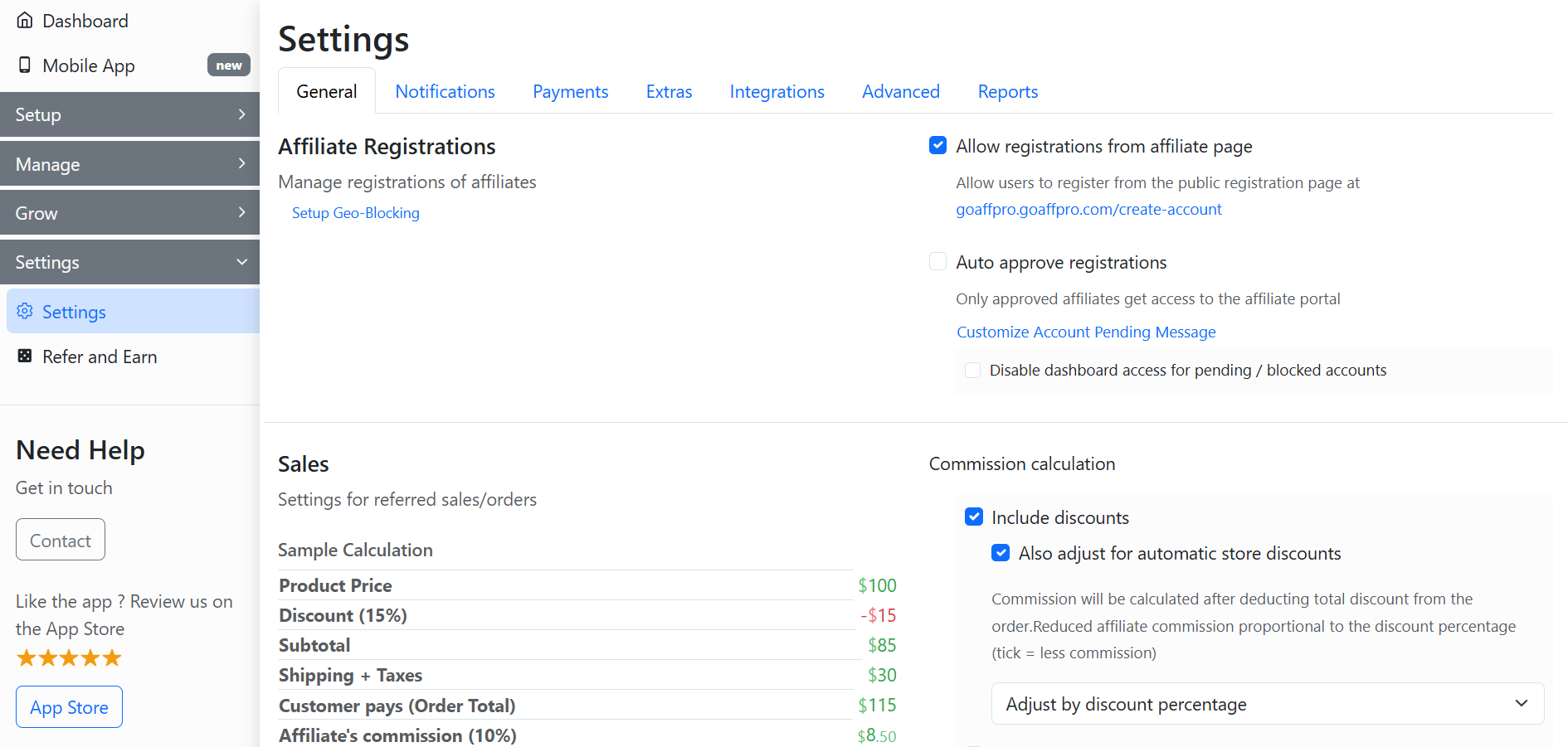
To set up geo-blocking for affiliate registrations, go to the **General** section in the **Settings** tab of the GoAffPro admin panel.
Settings > General
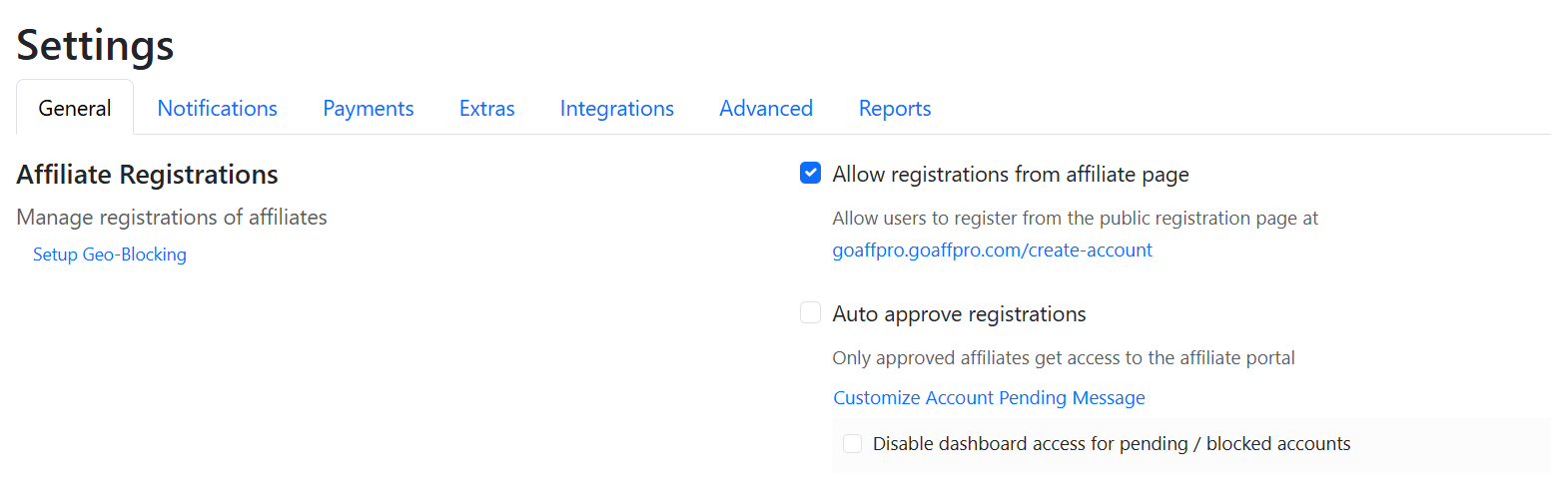
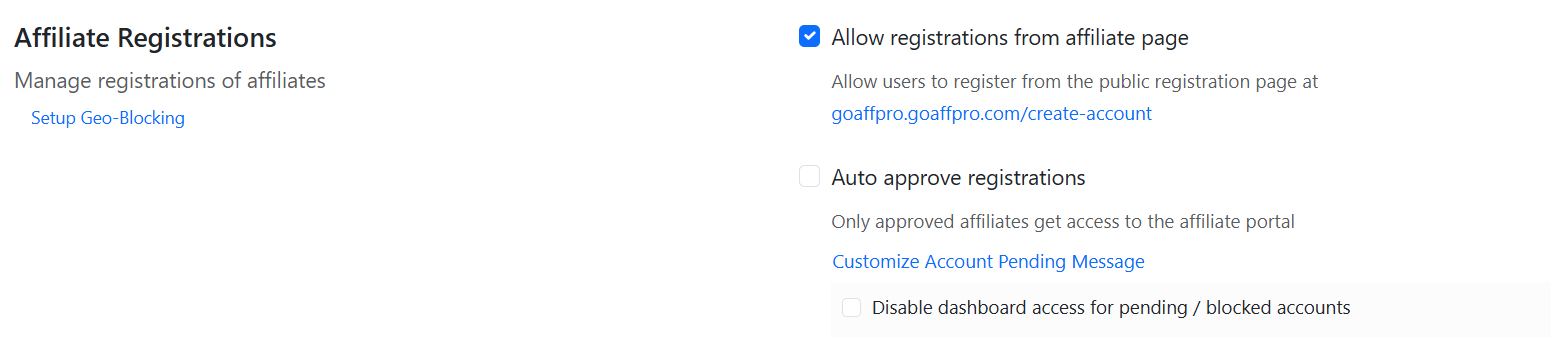
Here, go to the Affiliate Registrations section.
Affiliate Registrations
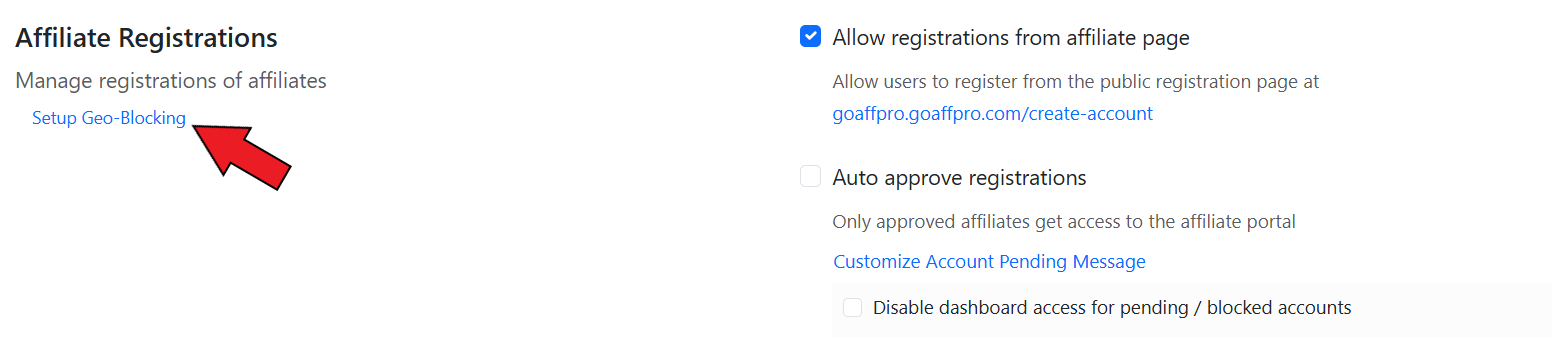
Now, click on **Setup Geo-Blocking**.
Click on Setup Geo-Blocking
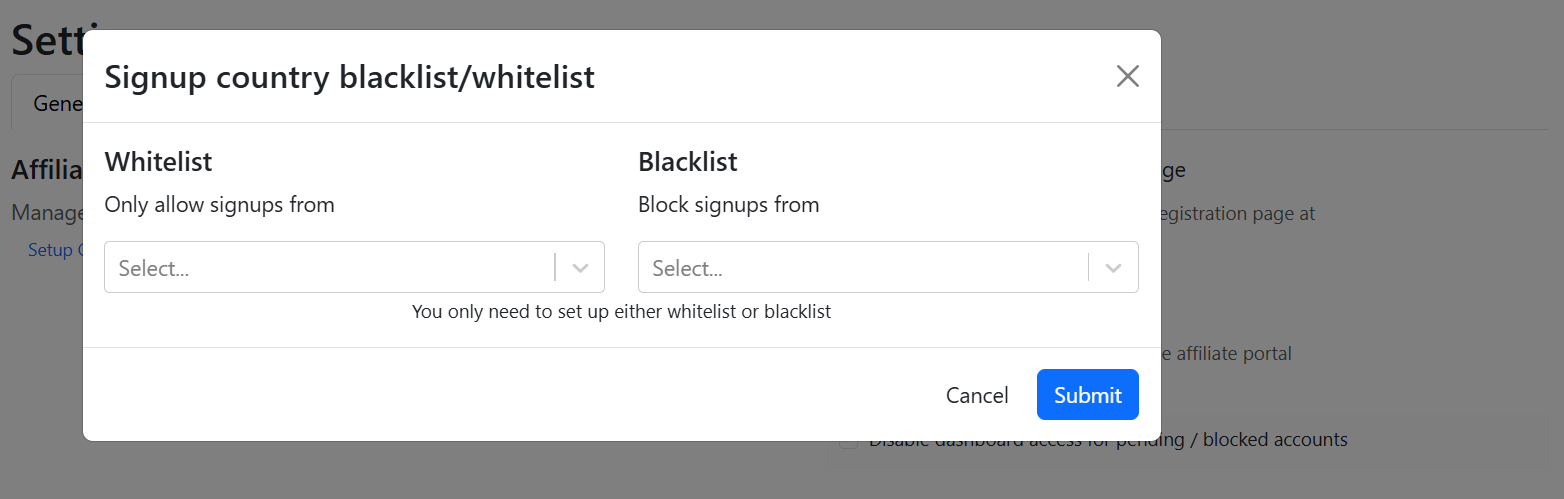
This will open up the Signup country blacklist/whitelist window.
Signup country blacklist/whitelist
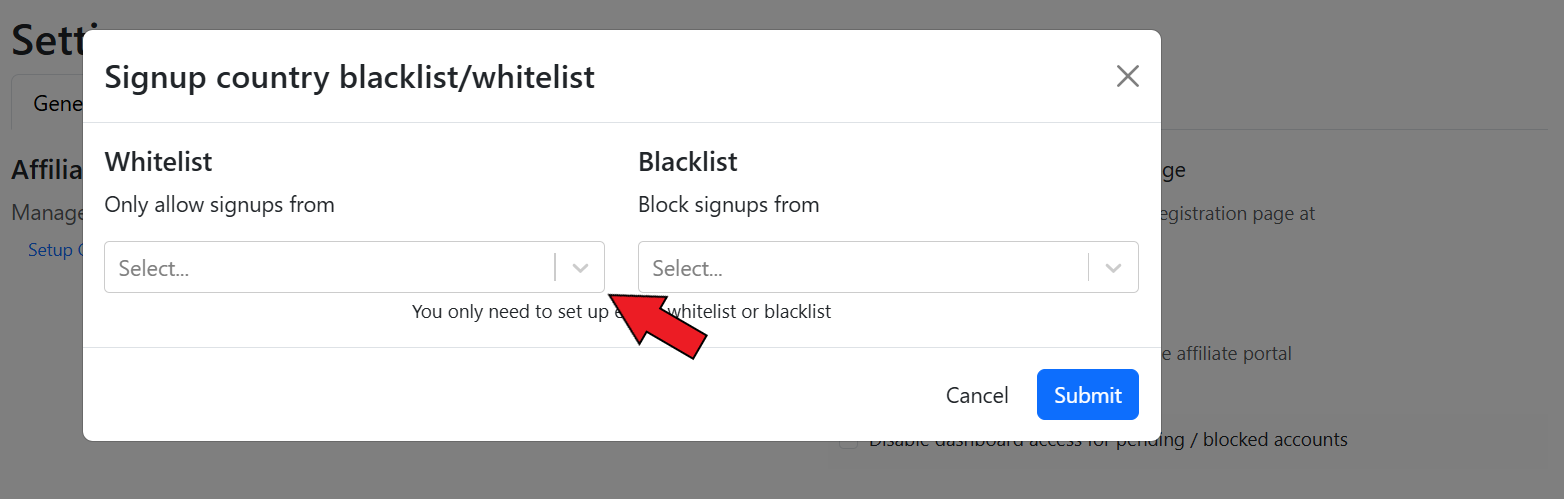
Next, you can whitelist countries to allow signups only from those locations.
Whitelist countries
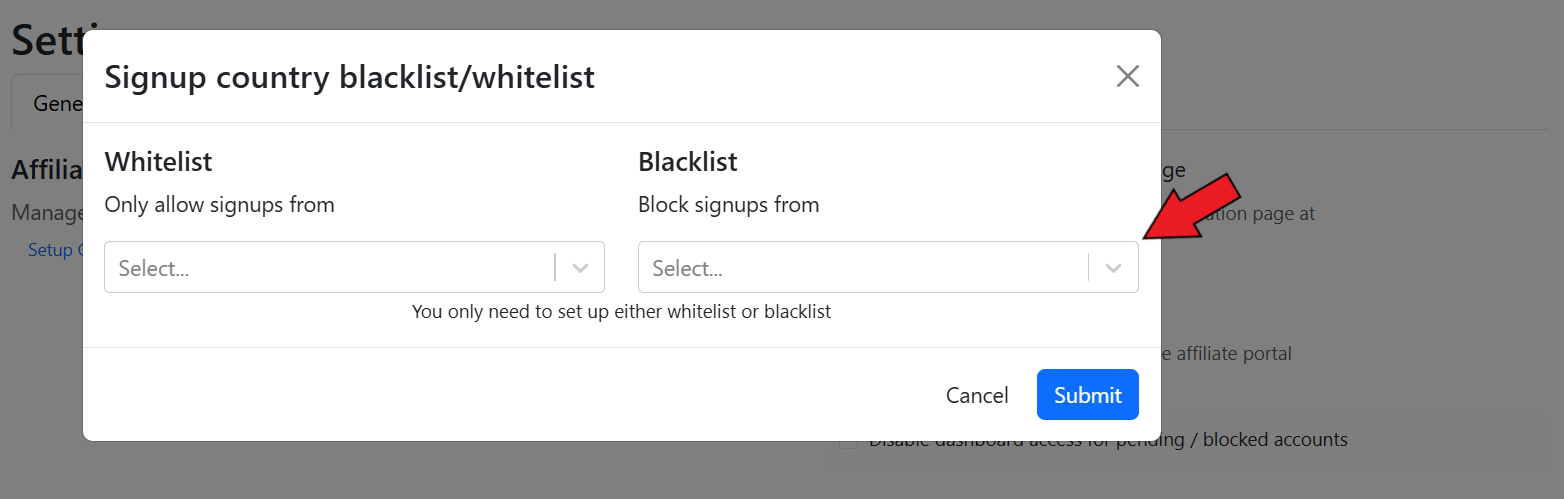
You also have the option to block signups from specific countries by blacklisting them.
{% hint style="info" %}
You can set up either a whitelist or a blacklist for countries.
{% endhint %}
Blacklist countries
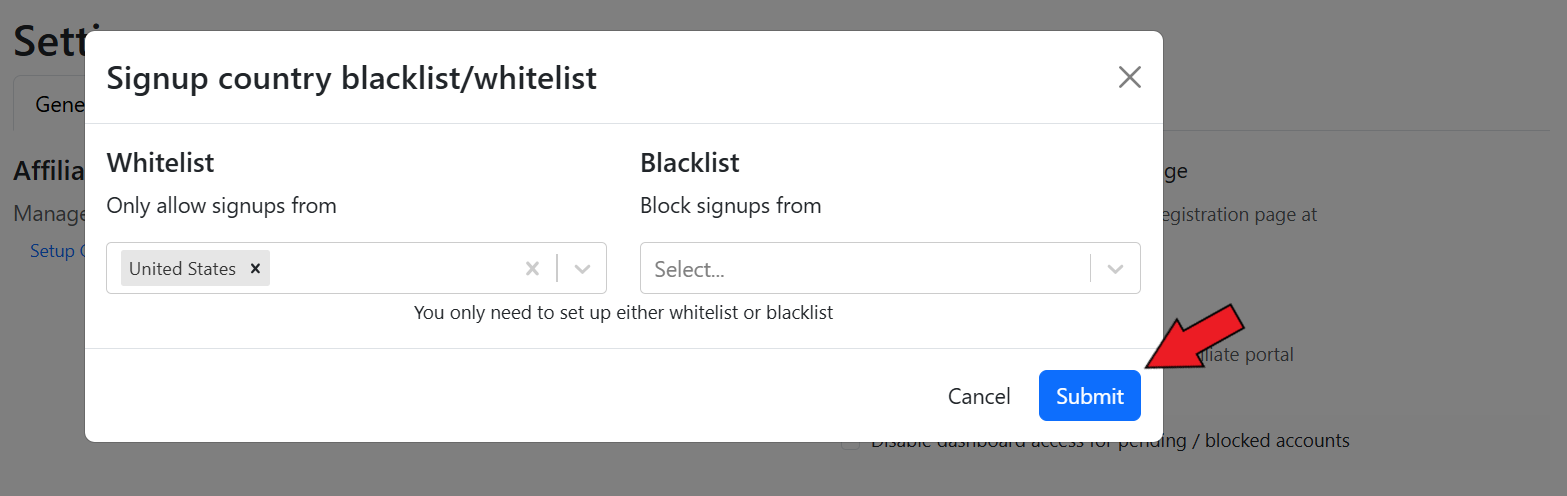
Finally, click on **Submit**.
Click on Submit
The geo-block will be set for affiliate registrations in your program.
{% embed url="" %}
Setup Geo-Blocking for Affiliate Registrations
{% endembed %}