> For the complete documentation index, see [llms.txt](https://docs.goaffpro.com/llms.txt). Markdown versions of documentation pages are available by appending `.md` to page URLs; this page is available as [Markdown](https://docs.goaffpro.com/affiliate-commissions/advanced-settings/disable-commission-on-a-collection.md).
# Disable Commission on a Collection
**GoAffPro** provides you with the option to disable commission on a collection.
> To prevent affiliates from earning commissions on a collection, you can set a zero percent collection commission on it. This will allow you to exclude certain collections from your program.
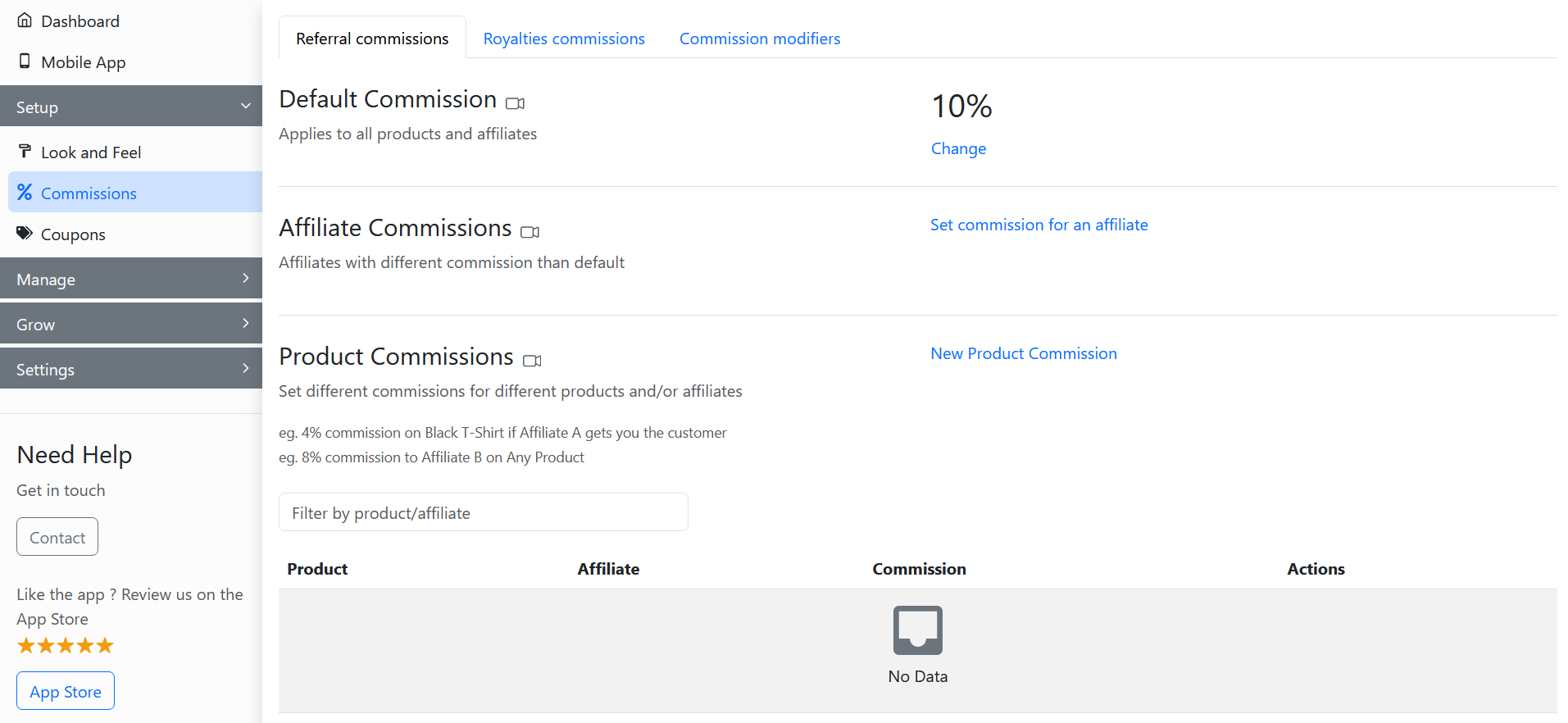
To disable commission on a collection, go to the **Referral Commissions** section in the **Commissions** tab of the GoAffPro admin panel.
Commissions > Referral commissions
Here, go to the Collection Commissions section.

Now, click on **New Collection Commission**.

This will open up the Commission Based on Collections section.

Here, select the collection.

Now, set the commission rate to zero.

Finally, click on **Save**.

The newly created collection commission will appear in the Collection Commissions section.

{% embed url="" %}
Disable Commission on a Collection
{% endembed %}