> For the complete documentation index, see [llms.txt](https://docs.goaffpro.com/llms.txt). Markdown versions of documentation pages are available by appending `.md` to page URLs; this page is available as [Markdown](https://docs.goaffpro.com/affiliate-rewards/set-target-for-affiliates.md).
# Set Target for Affiliates
**GoAffPro** provides you with the option to set targets for affiliates.
> The target bonus feature allows you set targets for affiliates. When affiliates hit those targets, they get rewarded with a bonus. This is a fantastic way to improve affiliate performance by offering them incentives in the form of rewards.
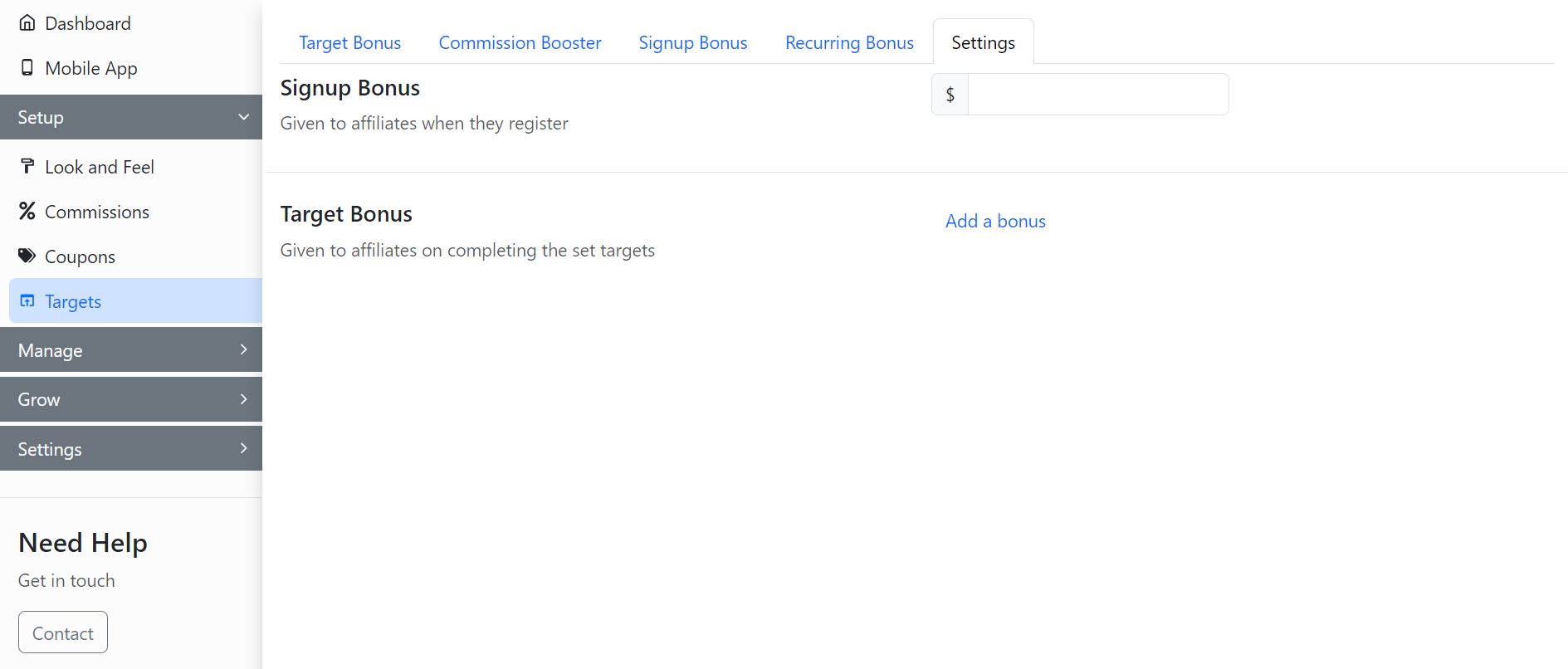
To set up targets for affiliates, go to the **Settings** section in the **Targets** tab in the GoAffPro admin panel.
Targets > Settings
Here, click on **Add a bonus** in the Target Bonus section.

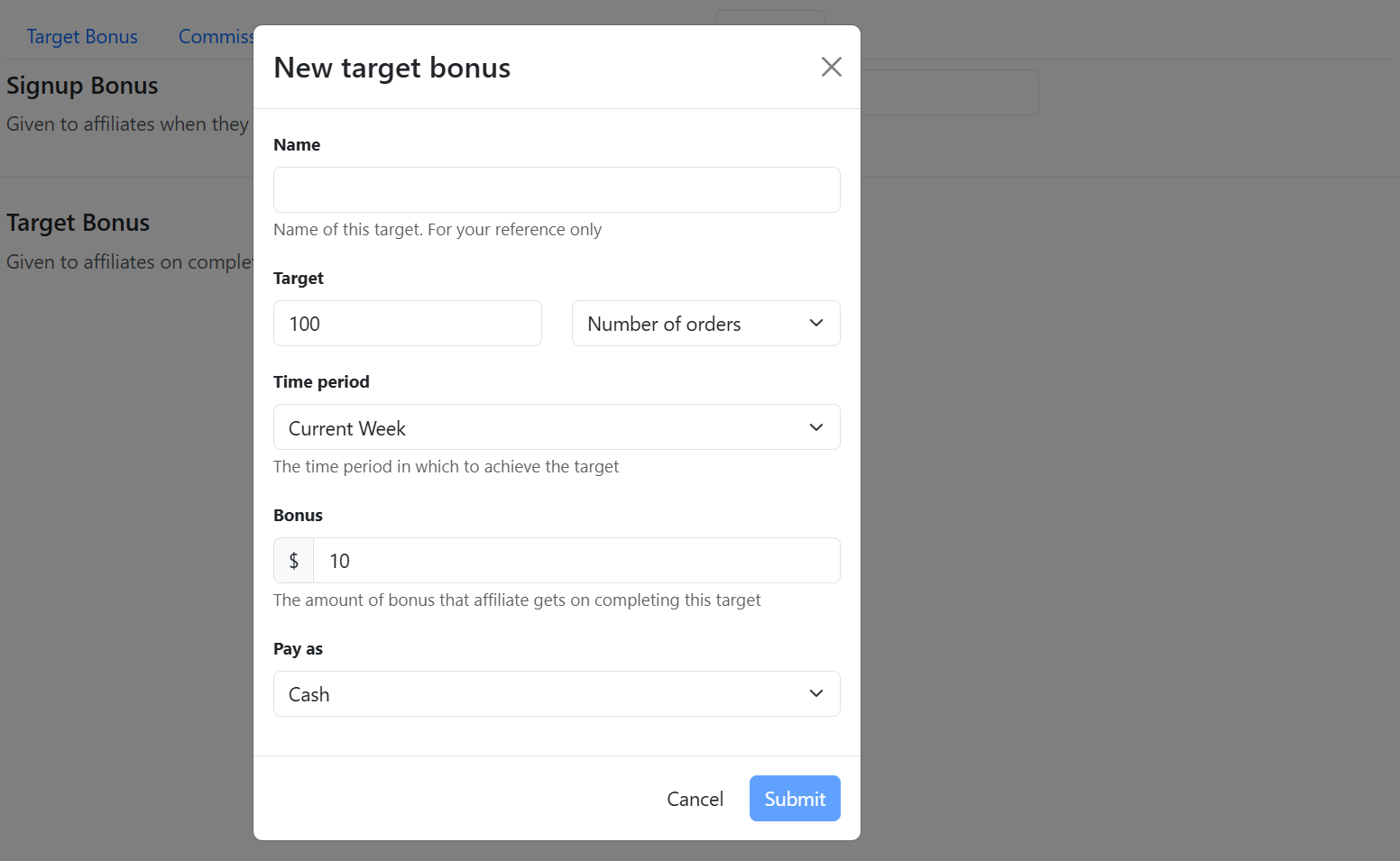
This will open up the New target bonus window.
New target bonus
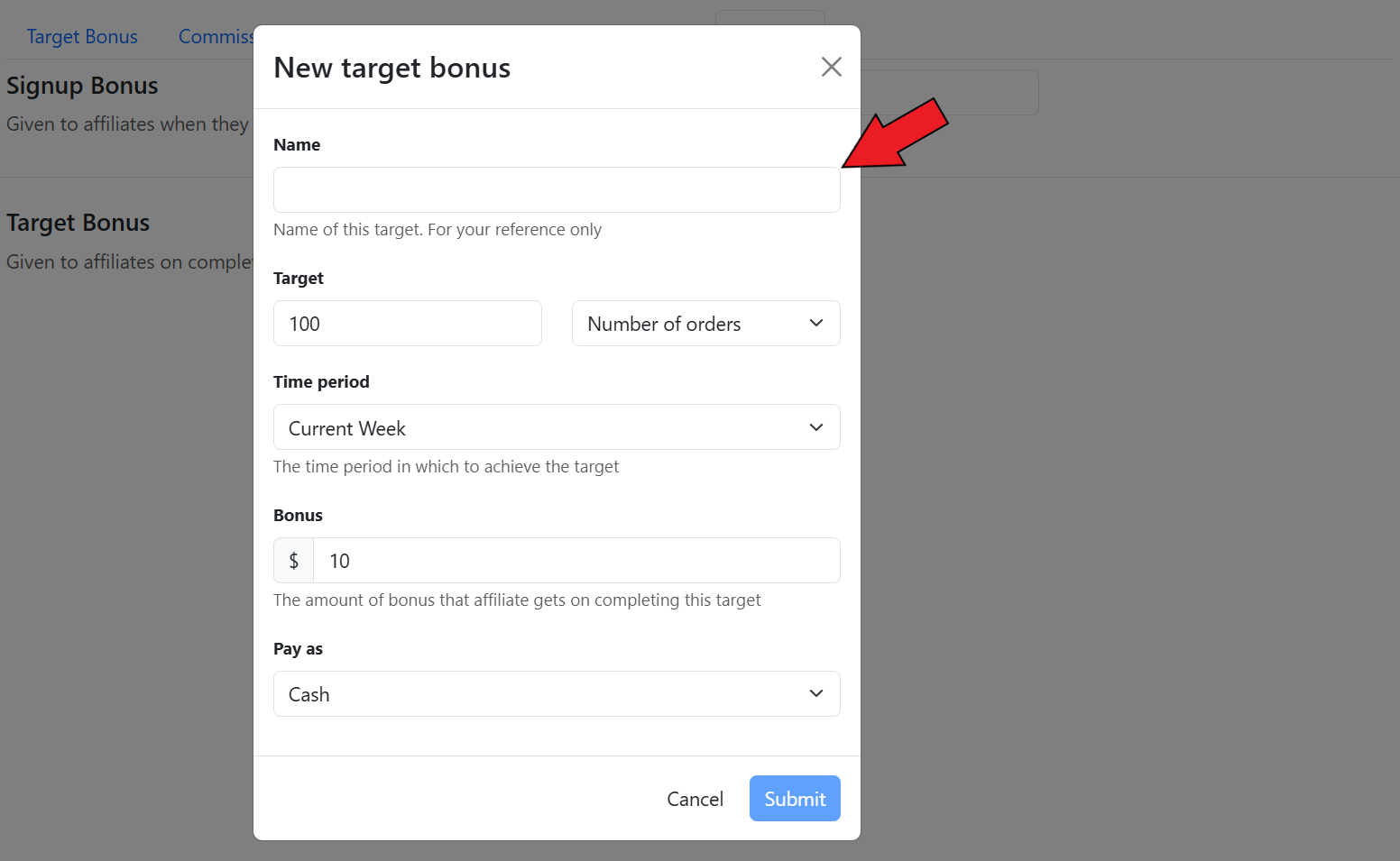
Here, set the name of the target.
Set the name of the target
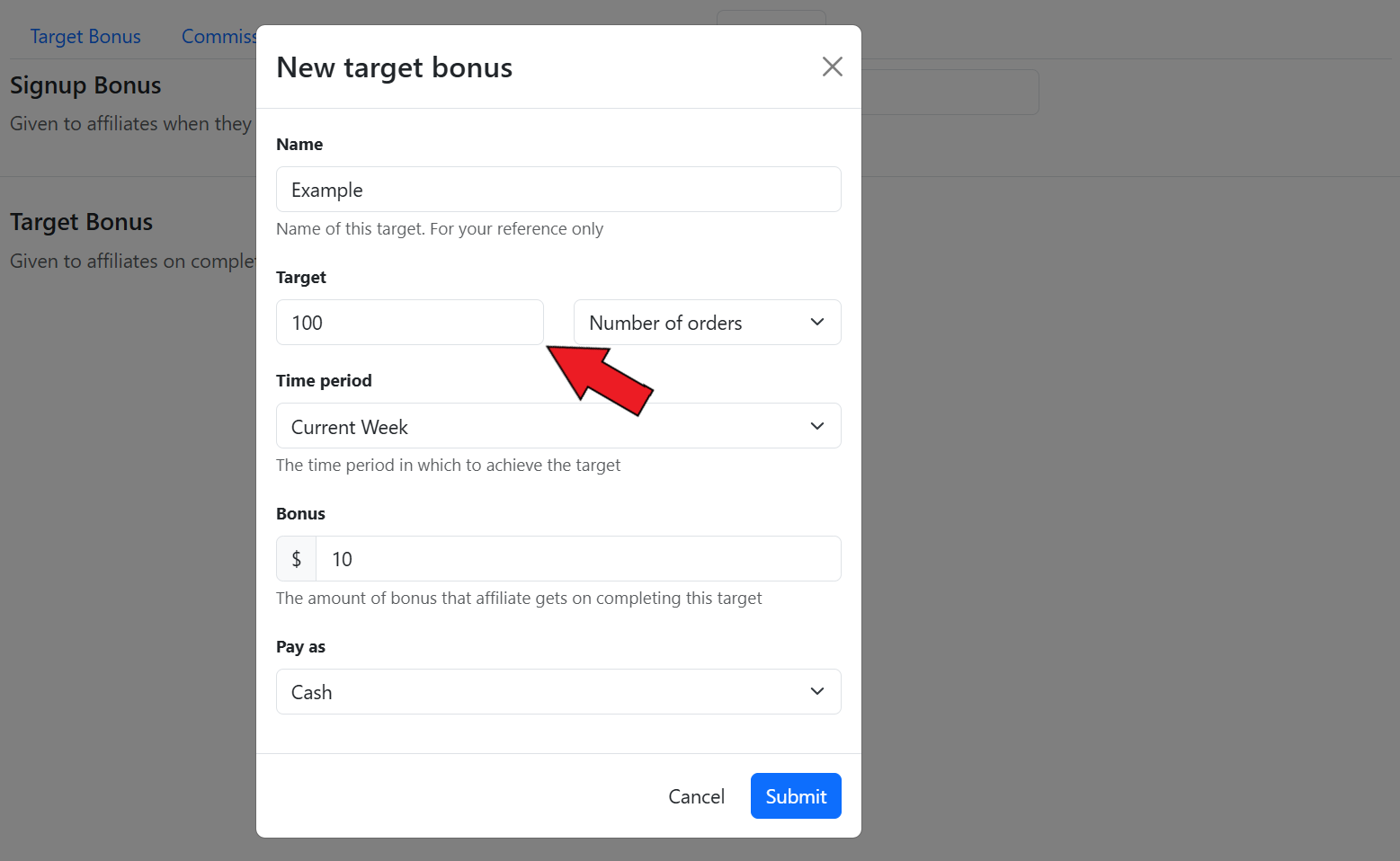
Now, set the minimum value.
{% hint style="info" %}
The minimum value will depend on the parameter you select for the target.
{% endhint %}
Set the minimum value
Next, select the parameter for the target.
{% hint style="info" %}
Here, you can select parameters such as Revenue, Revenue (Subtotal), Sale Commissions, Network Commission (MLM), Total Commissions, and Number of orders.
{% endhint %}
Select the parameter
After this, set the time period.
Set the time period
Now, set the bonus amount.
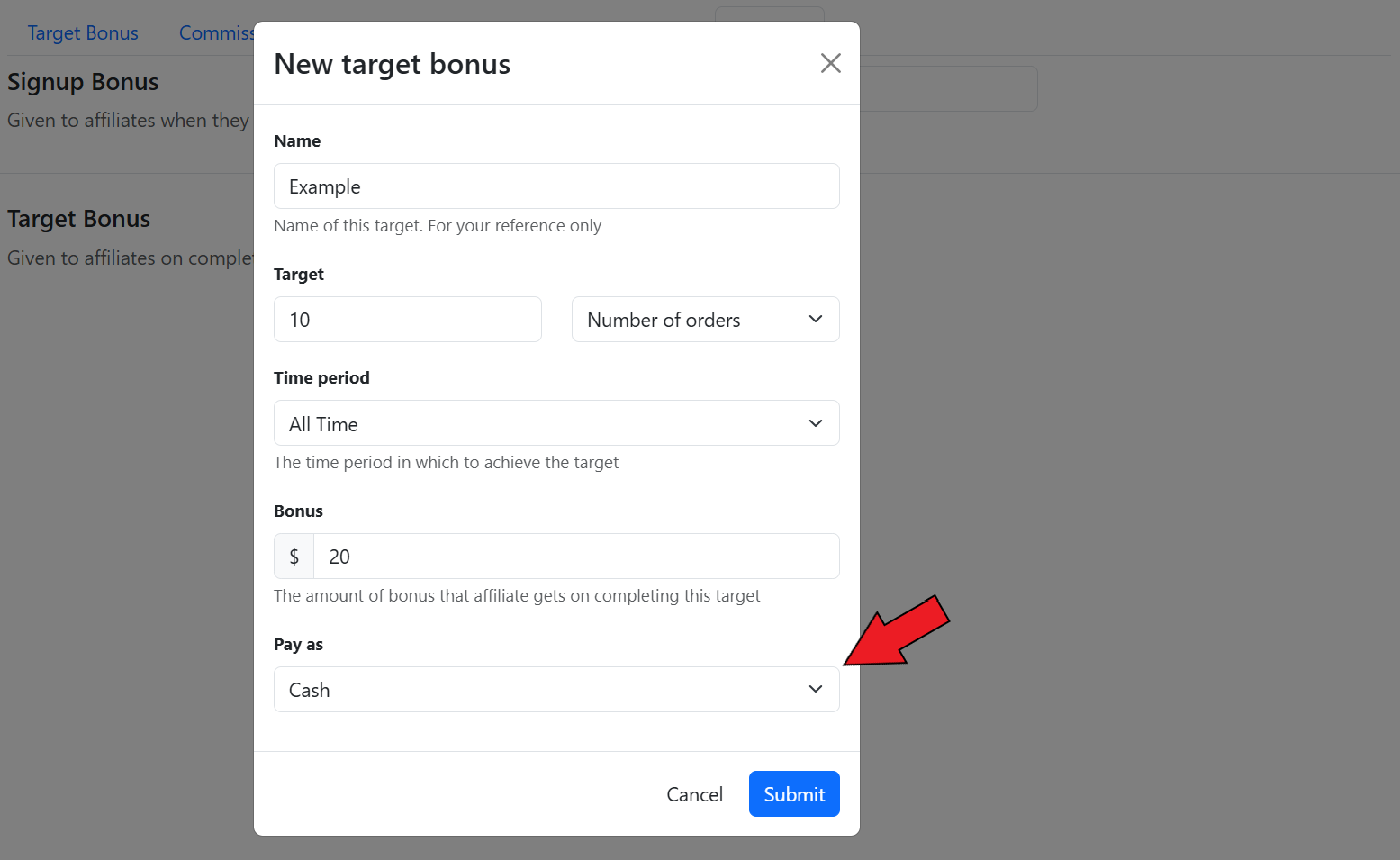
You can also choose how the affiliates receive their bonus: cash or store credit.
Choose how the affiliates receive their bonus
Finally, click on **Submit**.
Click on Submit
The target will be set for affiliates.
The target will be set for affiliates
How will the parameter, time period, minimum value, and bonus come together to work as a target?
Here, we look at examples of how a target will work for different parameters.
**1. For the Revenue parameter:**
* **Apply On:** Revenue
* **Time Period:** Last 30 days
* **Minimum Value:** $250
* **Bonus:** $10
A $10 bonus would be given to an affiliate when they generate $250 in total sales in the last 30 days.
**2. For the Sale Commission parameter:**
* **Apply On:** Sale Commission
* **Time Period:** Last 30 days
* **Minimum Value:** $500
* **Bonus:** $50
A $50 bonus would be given to an affiliate when they cross $500 in sale commissions in the last 30 days.
**3. For the Network Commission parameter:**
* **Apply On:** Network Commission
* **Time Period:** Last 30 days
* **Minimum Value**: $1,000
* **Bonus:** $200
A $200 bonus would be given to an affiliate when they cross $1,000 in network commissions in the last 30 days
**4. For the Total Commission parameter:**
* **Apply On:** Total Commission
* **Time Period:** Last 30 days
* **Minimum Value**: $1,500
* **Bonus:** $250
A $250 bonus would be given to an affiliate when they cross $1,500 in total commissions in the last 30 days.
**5. For the number of orders parameter:**
* **Apply On:** Number of Orders
* **Time Period:** Last 30 days
* **Minimum Value:** 100 Orders
* **Bonus:** $50
A $50 bonus would be given to an affiliate when they generate 100 orders in the last 30 days.
{% embed url="" %}
Set Target for Affiliates
{% endembed %}